Print the System, Not Every SKU
Apparel brands can create hundreds of packaging artwork files without changing the underlying box.
Take one garment sold in six sizes, five colors and three seasonal graphics. If every combination receives its own fully printed box, the packaging program quickly becomes harder to order, proof, store and replenish than the clothing itself.
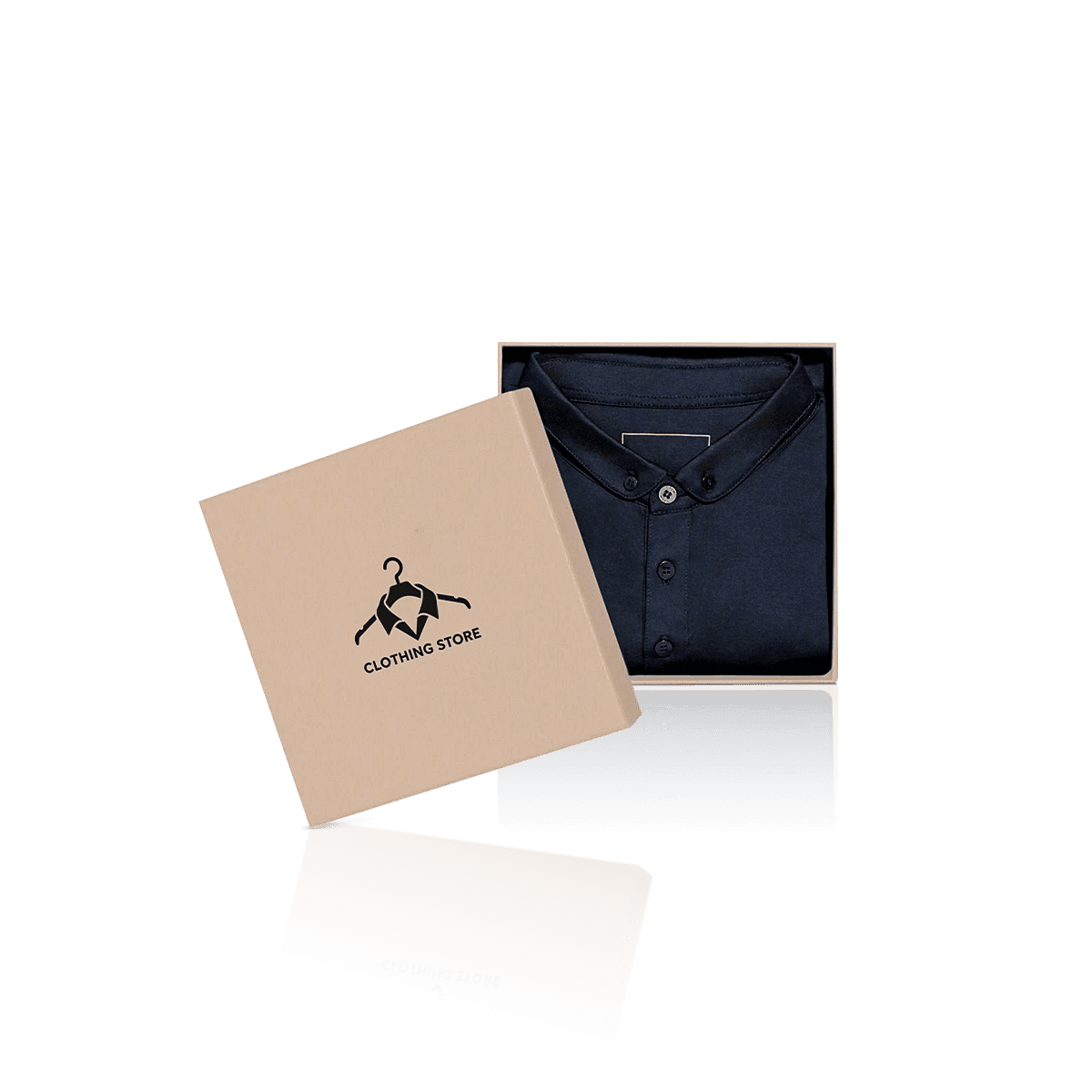
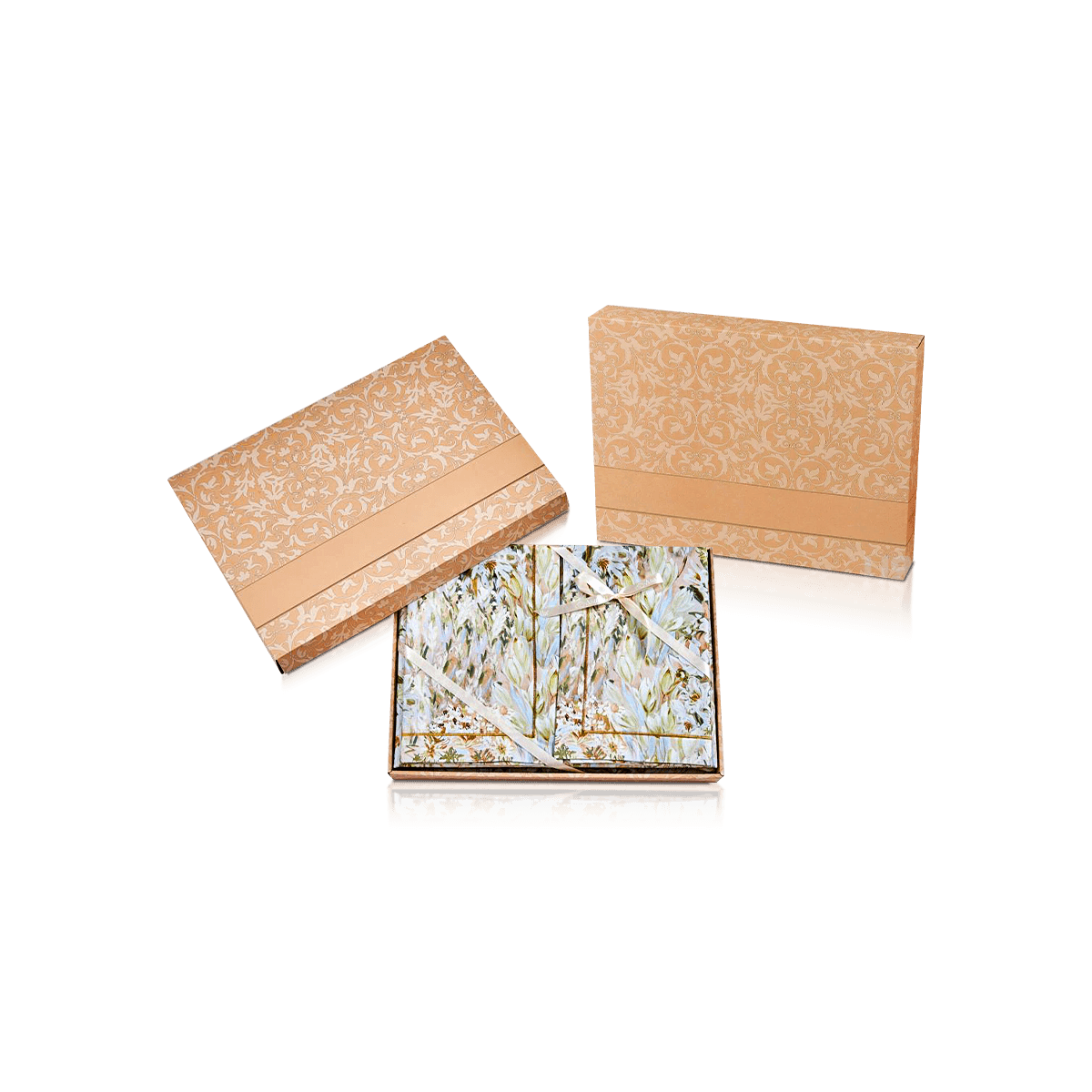
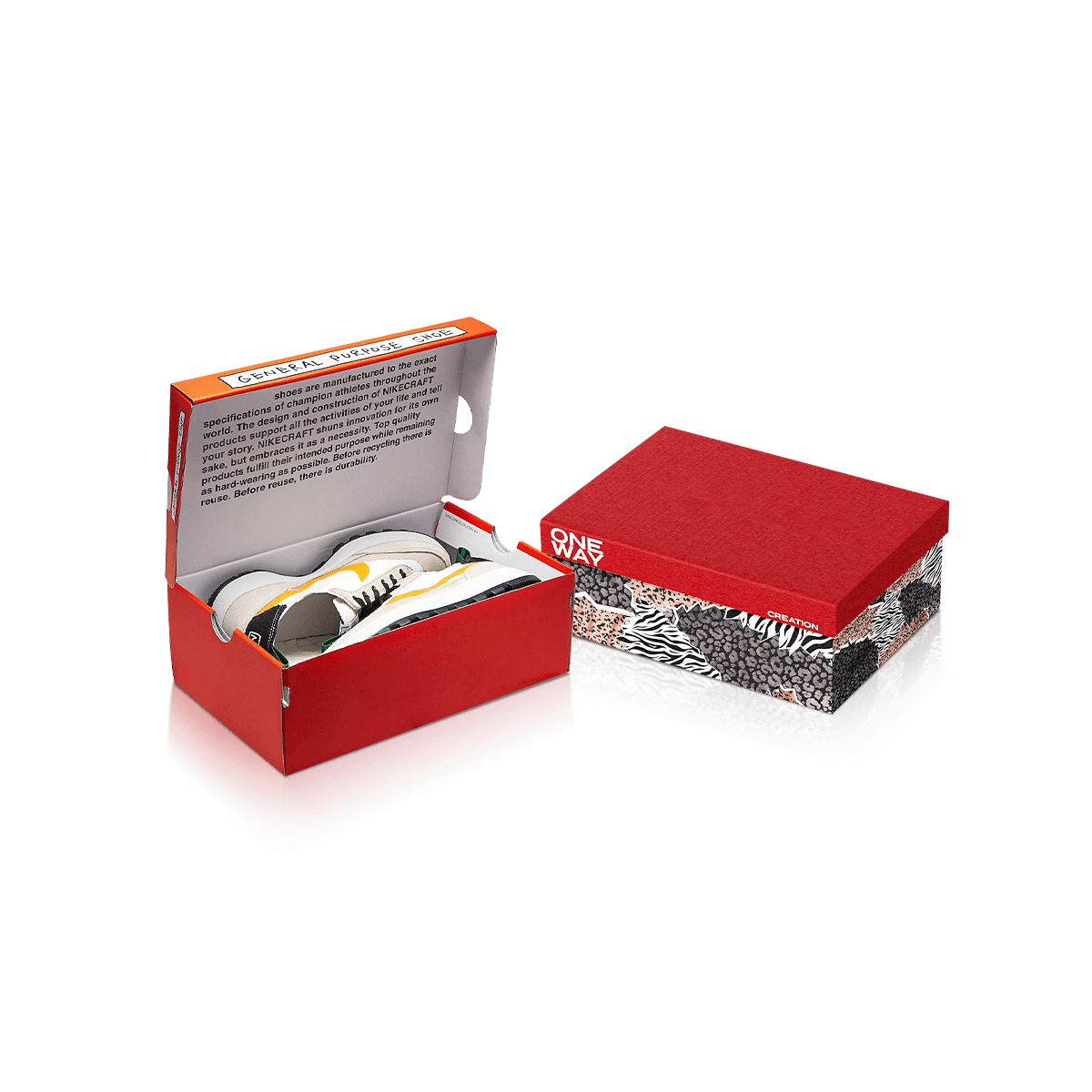
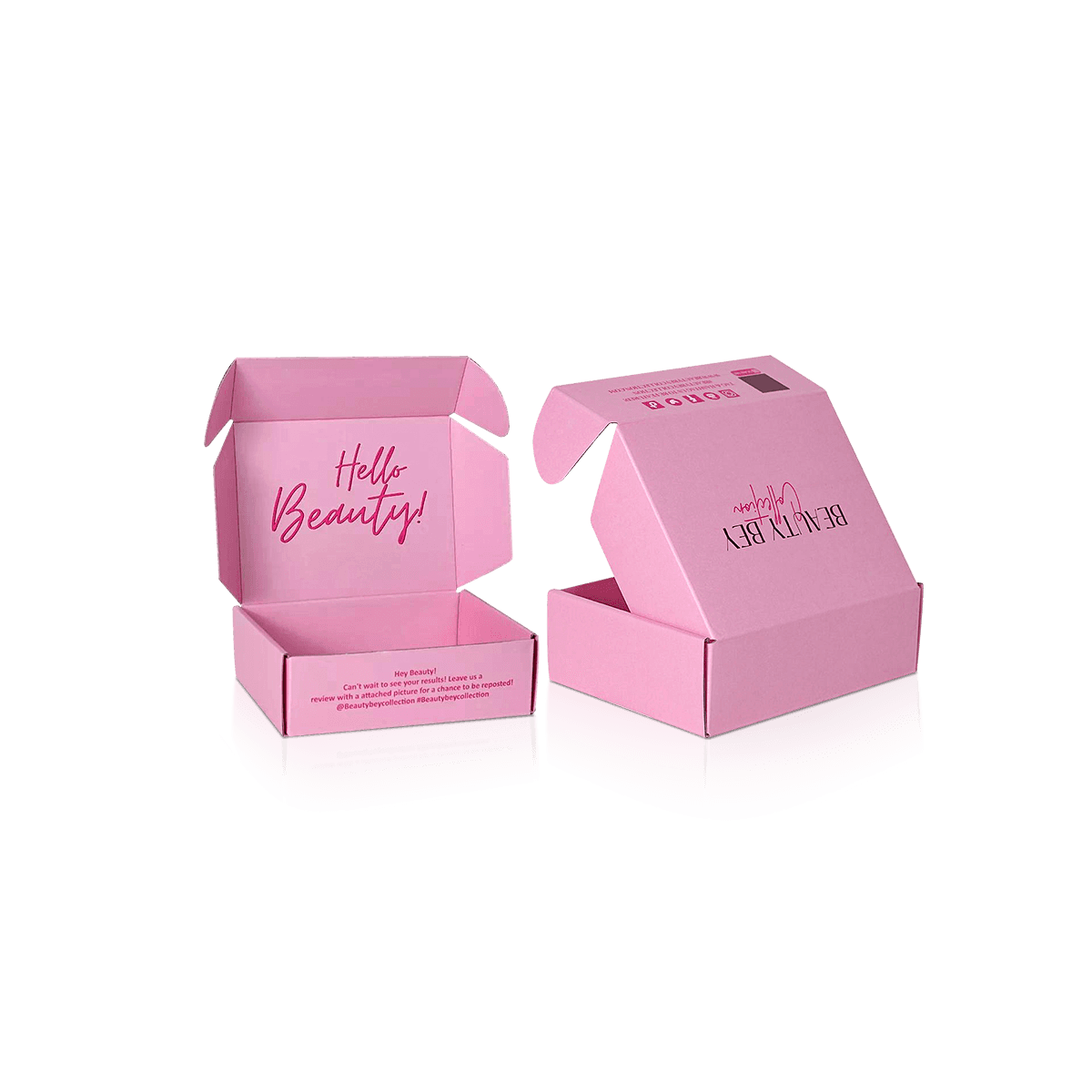
Custom Printed Apparel Boxes work better when fixed brand elements and changing product data are separated from the start.
The structural box, primary logo, core brand color and main visual hierarchy can remain consistent. Size, garment color, style code, barcode or campaign identifier can then change in controlled zones rather than forcing a completely new artwork file for every SKU.
That is the central job of this packaging.
Apparel Boxes handle the larger question of which garment SKUs should share each physical box. Printed Apparel Boxes take over once the brand needs those shared structures to remain visually consistent across multiple versions.
Separate Fixed and Variable Artwork
Start by deciding what should survive several seasons.
The main logo, typography system, base artwork and permanent brand message usually belong in the fixed layer. Fast-changing product data belongs somewhere easier to update.
That may be an end-panel label, small printed identification zone or applied sticker.
A box does not become less custom because one operational field is variable. In many apparel programs, that separation creates a cleaner branded surface and a more manageable packaging inventory.
Give Every Version a Clear Name
Artwork files such as final-box-v7-new-final.pdf create preventable production risk.
Use a naming system tied to the actual packaging SKU, structure and artwork version. The production team should be able to distinguish a Black Medium tee box from a Holiday Gift version without opening several visually similar files.
Version control is packaging work, not administrative housekeeping.