Support the Laptop Across Its Footprint
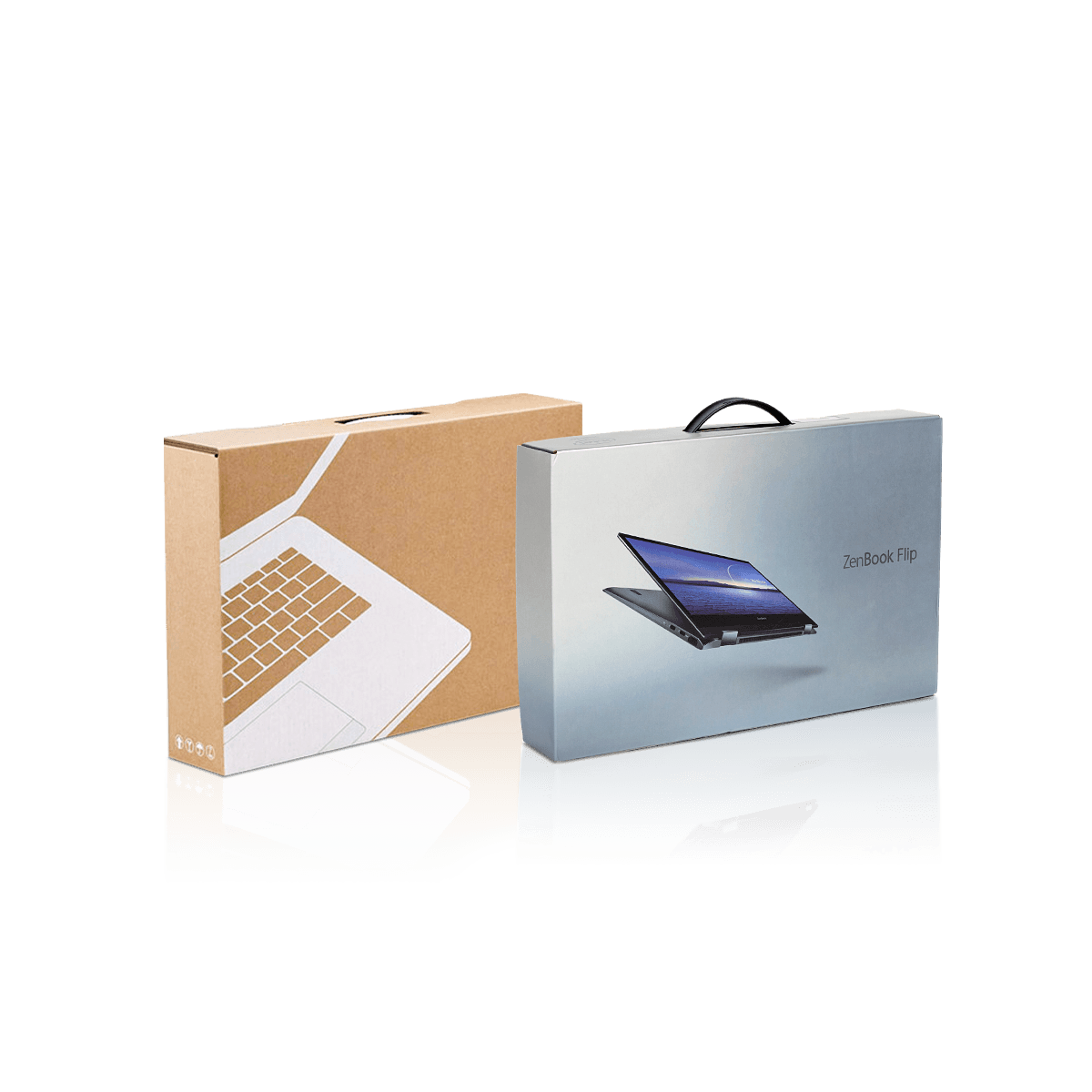
A laptop creates a different packaging problem from a compact electronic device. Its large, flat footprint spreads weight across a wider area while the corners, hinge edge and finished surfaces remain vulnerable to movement and concentrated pressure.
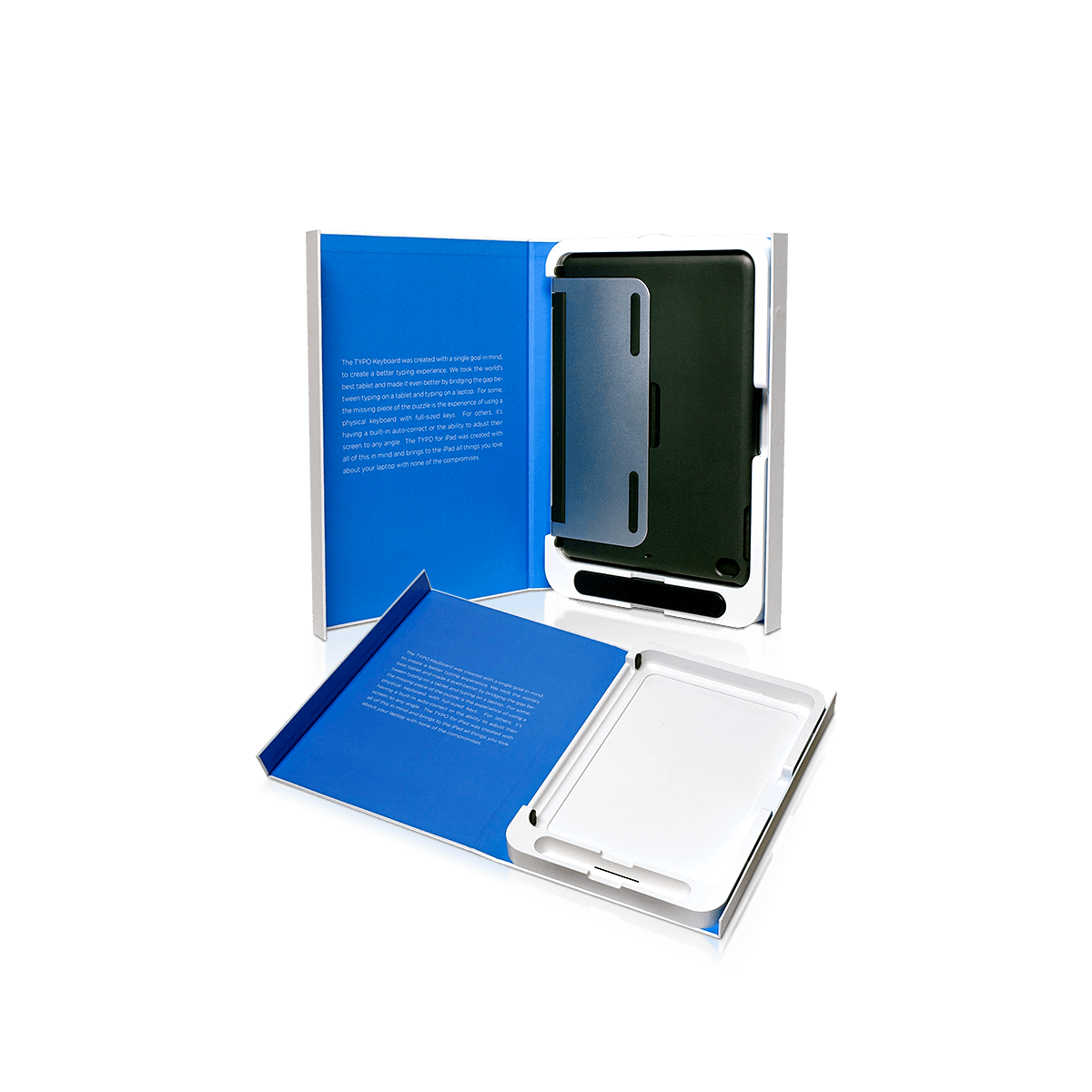
The interior should support the device at stable points without forcing the chassis against the lid or letting the laptop bridge across an unsupported cavity. A box can feel tight around the perimeter and still perform poorly if the device settles, twists or repeatedly contacts one hard point during handling.
Start with the laptop in its exact packed state. Record the closed dimensions, packed weight, corner profile and any features that project beyond the main chassis. Rubber feet, hinges and tapered edges can change how the device actually rests inside a cavity.
A fitted interior should answer four practical questions:
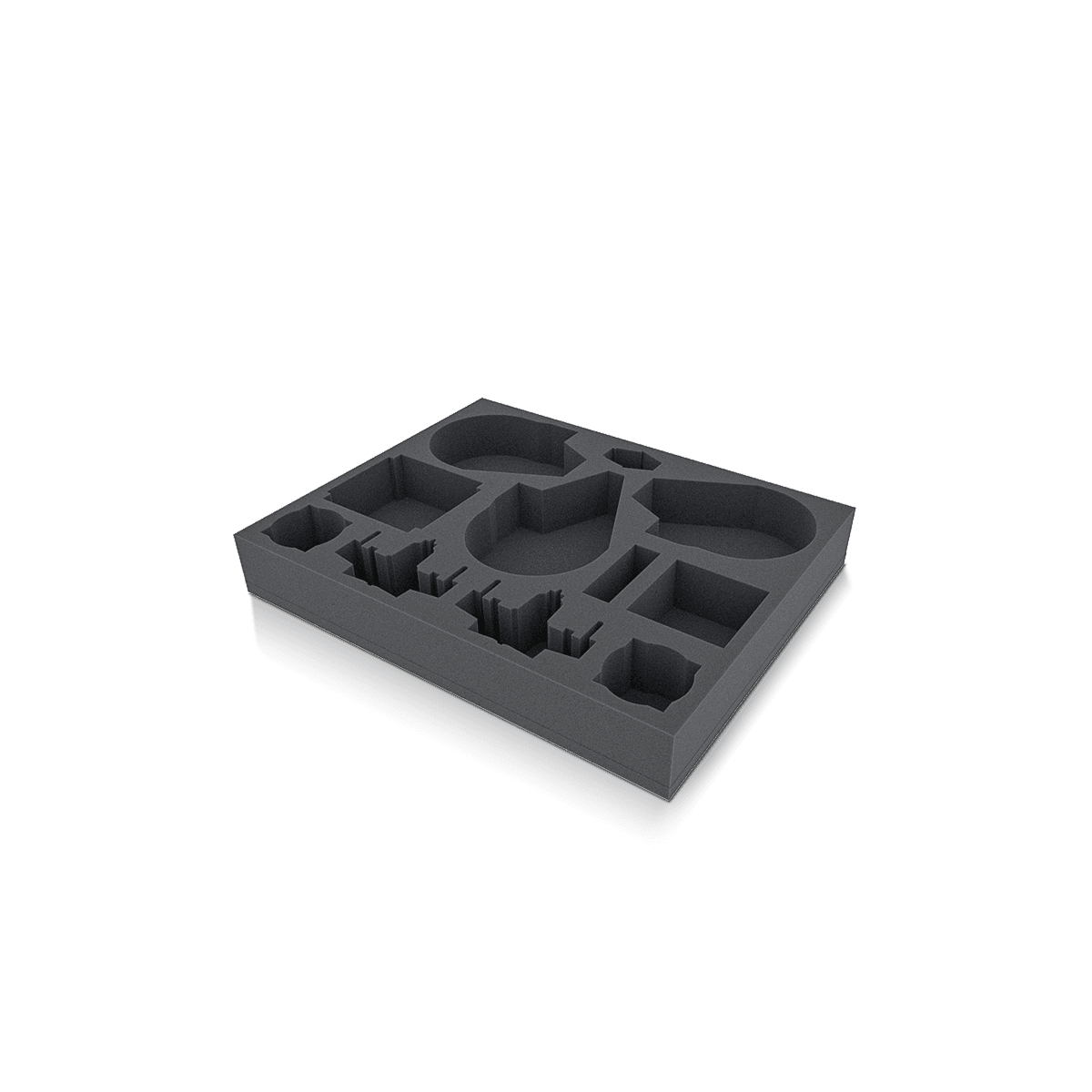
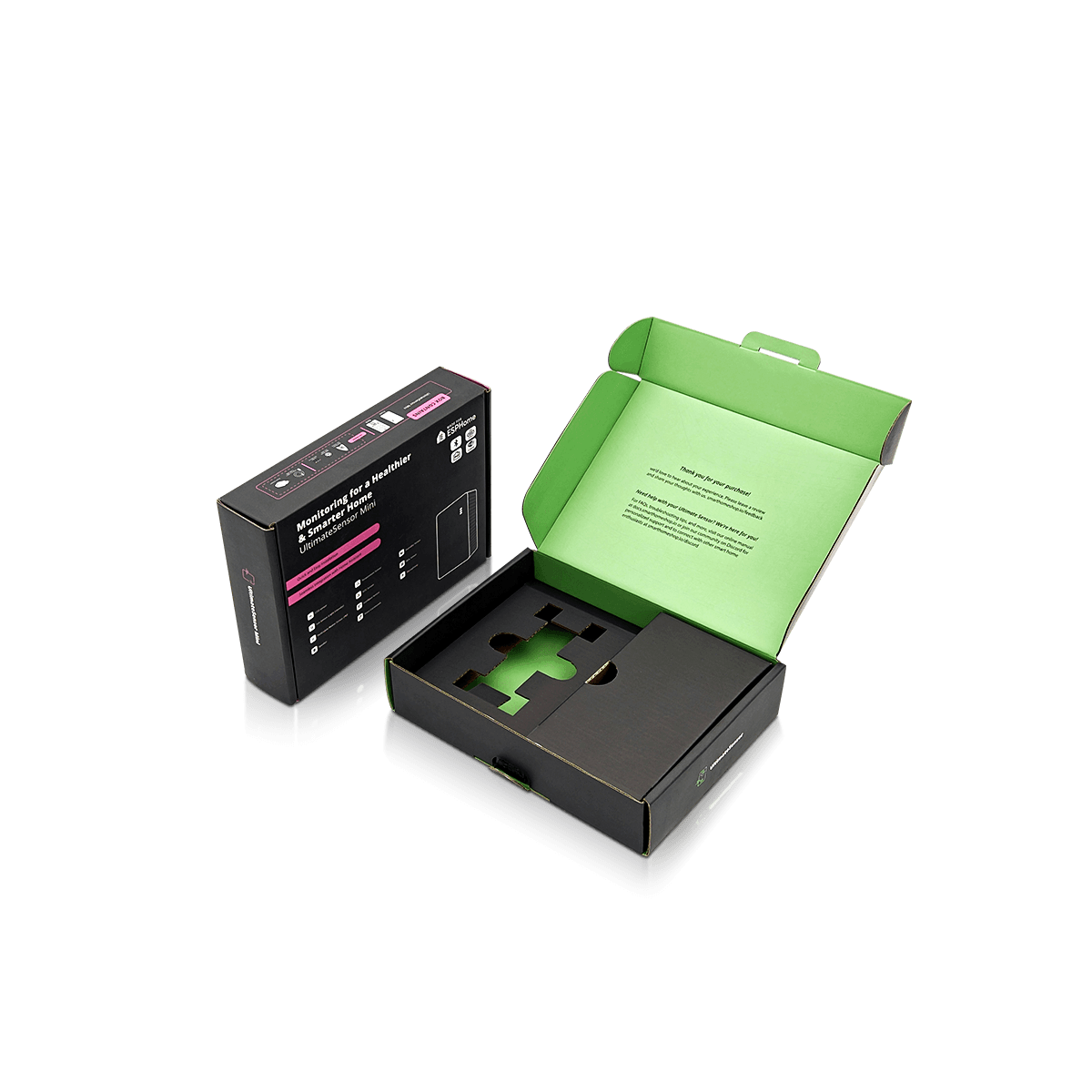
The answer may use corrugated end supports, shaped paperboard fitments, foam components or another insert arrangement. The goal is controlled support, not simply a cavity that matches length and width.
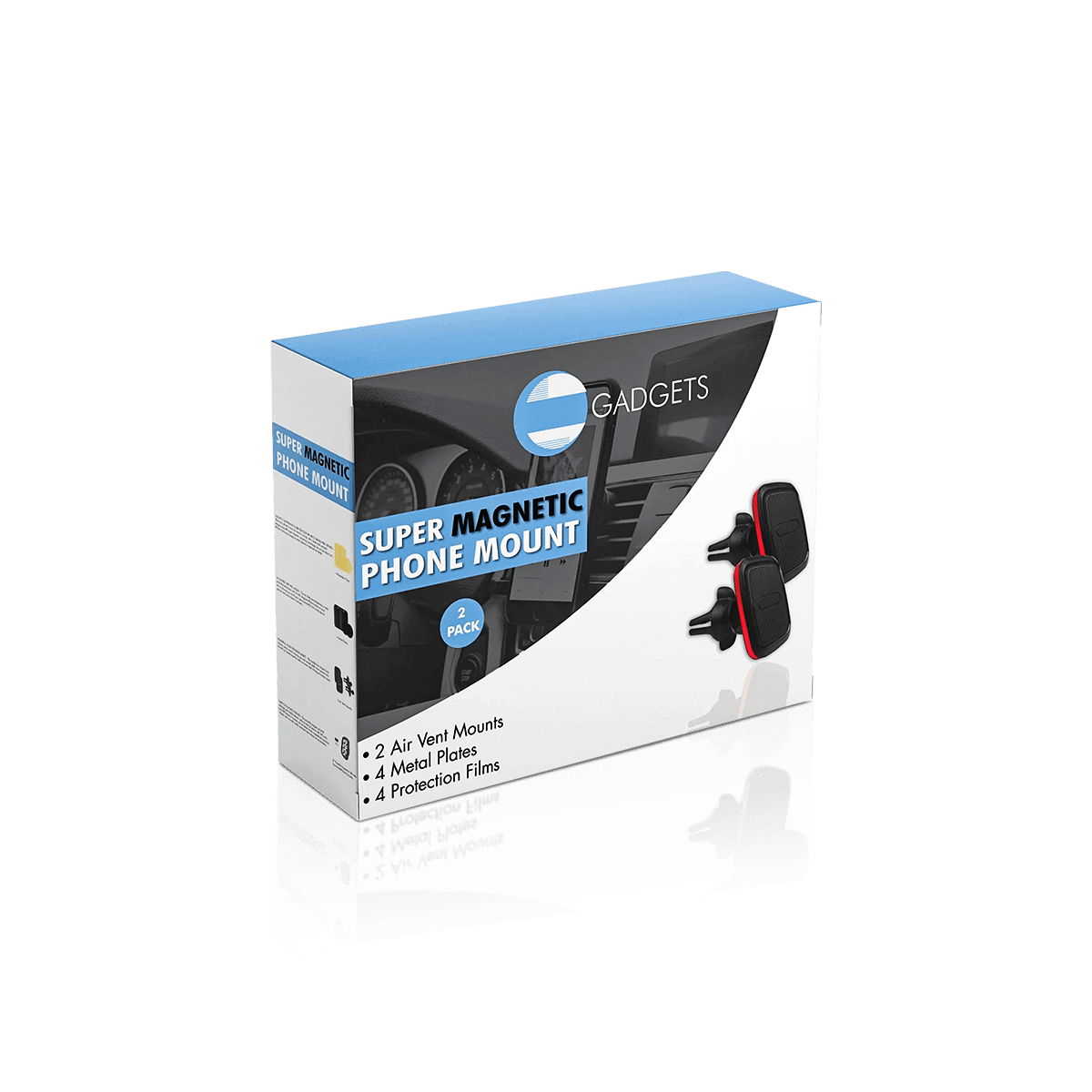
For a laptop program, electronics and gadget packaging decisions become more demanding as device weight, accessory mass and distribution handling increase.
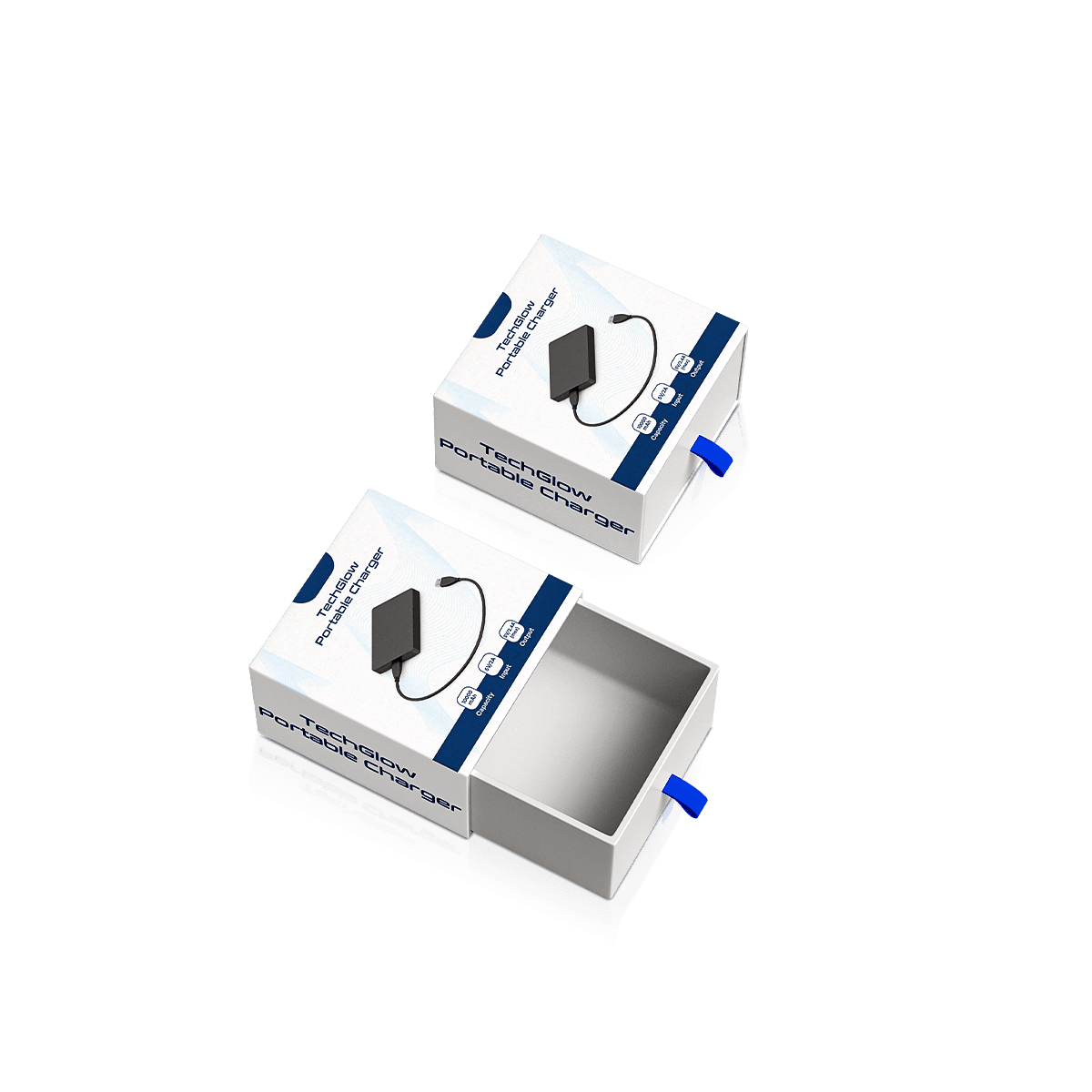
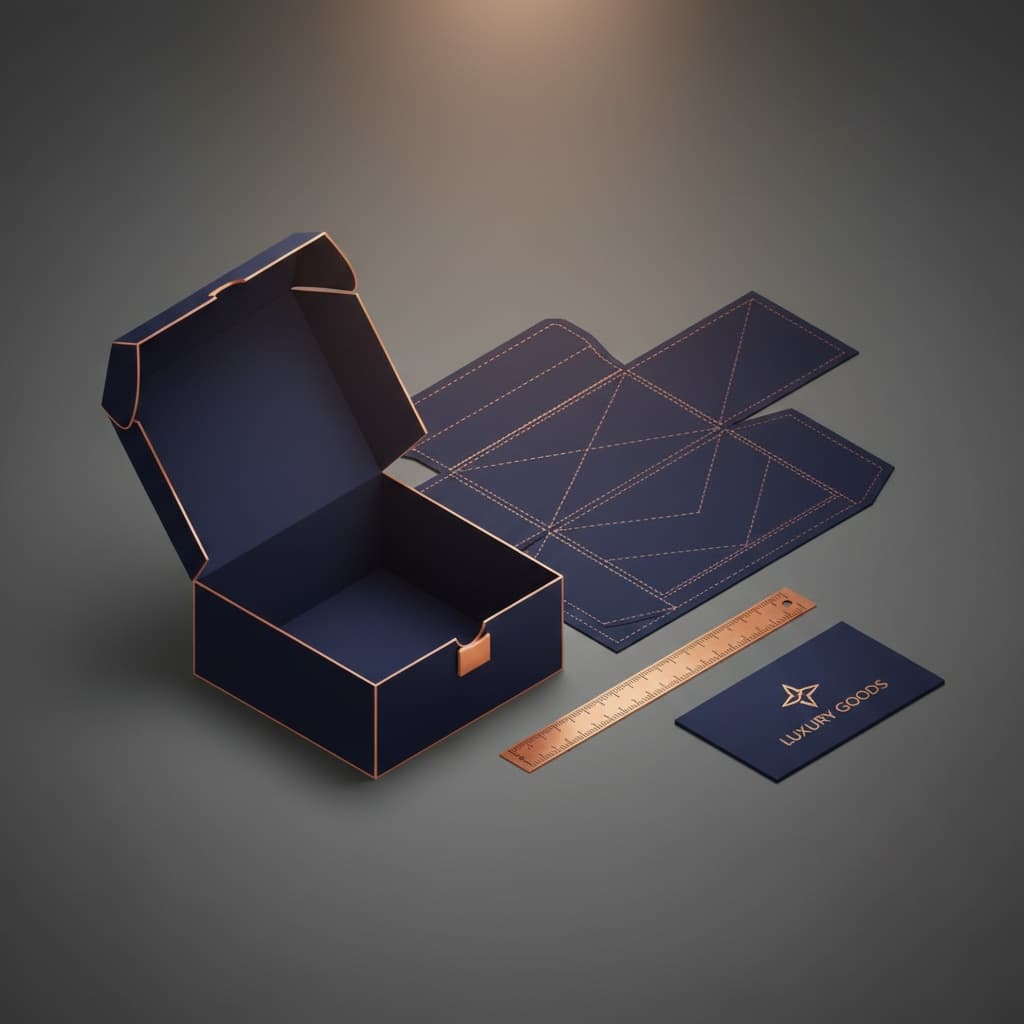
A 3D mockup can confirm proportions, compartment placement and opening direction before production. Physical fit still needs a real device or an accurate production-equivalent unit when support points and pressure are critical.