A packaging dieline is the flat production drawing behind a box, carton or mailer. It tells the packaging team where the board is cut, creased, folded and joined and tells the designer where artwork belongs. The mistake is treating any flat template as production-ready: the geometry must match the actual structure, dimensions and material. Start with that distinction before you build artwork or use a packaging dieline generator.
Quick Answer
A packaging dieline is the flat, two-dimensional production layout for a package. It maps cut lines, creases, panels, flaps, glue areas, bleed and safe zones so the structure can be made and the artwork can be positioned on the correct panels. A mockup shows how the package may look; the dieline controls the manufacturing geometry.
What Is a Packaging Dieline?
A packaging dieline is a flat blueprint of a box before it is cut, folded and assembled. It shows the full shape of the packaging in an unfolded layout so designers, packaging buyers, project managers and production teams can understand how the final box will be made.
A box dieline usually includes:
Think of it as the technical map behind the box. A mailer box, for example, may look simple when assembled, but the flat dieline includes a lid panel, base panel, side panels, wings, front tuck, locks and tabs. If those parts are not arranged correctly, the finished box may not fold or close the way it should.
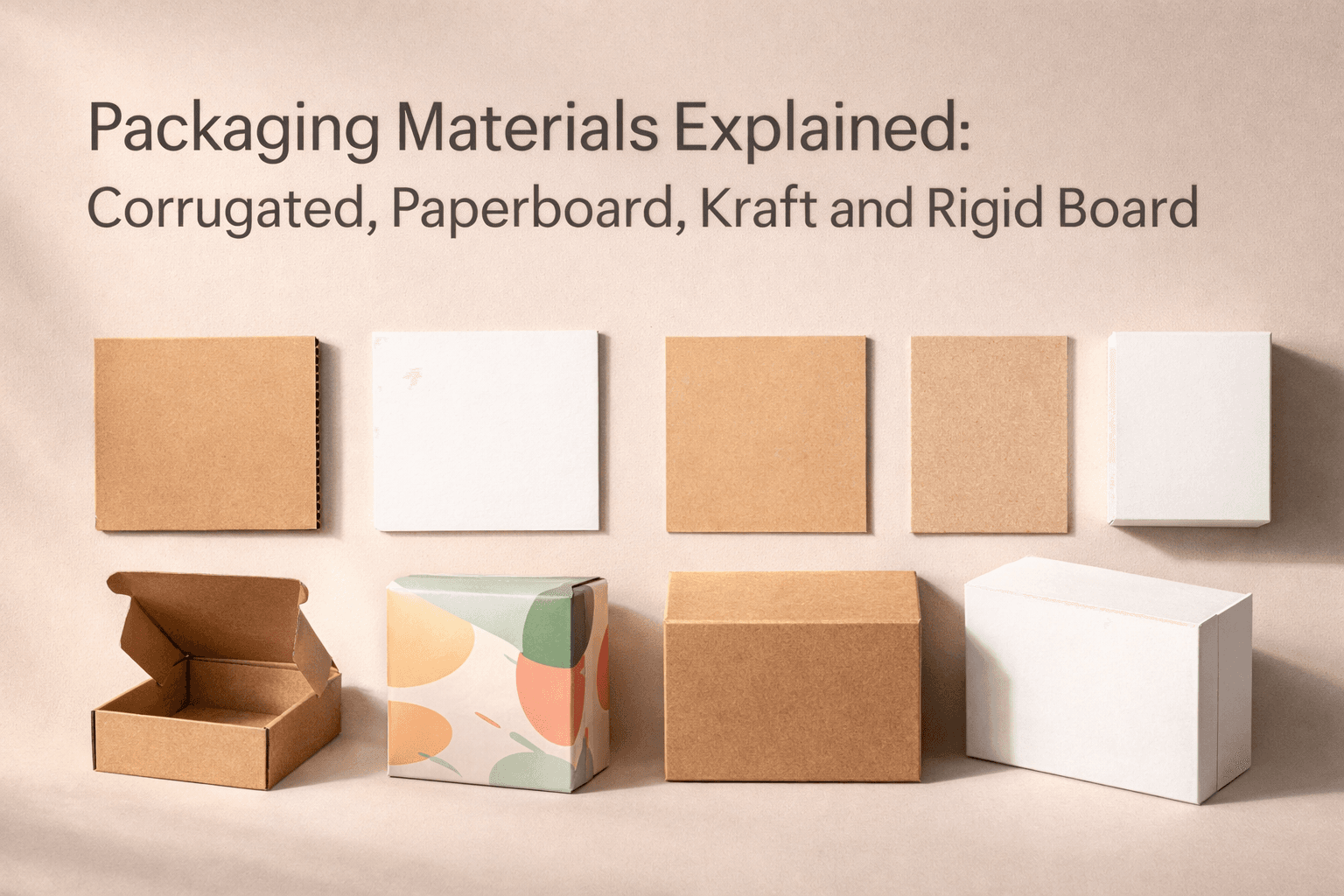
For custom boxes, the dieline also depends on the size, board type and structure. A random dieline template may look close, but if the dimensions, panel sequence or lock placement do not match the real box, it can create problems before printing even starts. If you are unsure which stock affects the structure, review your packaging material choices before finalizing the dieline.
A Dieline Is Not the Same as a Mockup
A dieline and a mockup are connected, but they are not the same thing.
A dieline is the flat production layout. A mockup is usually a visual preview of how the box may look when assembled.
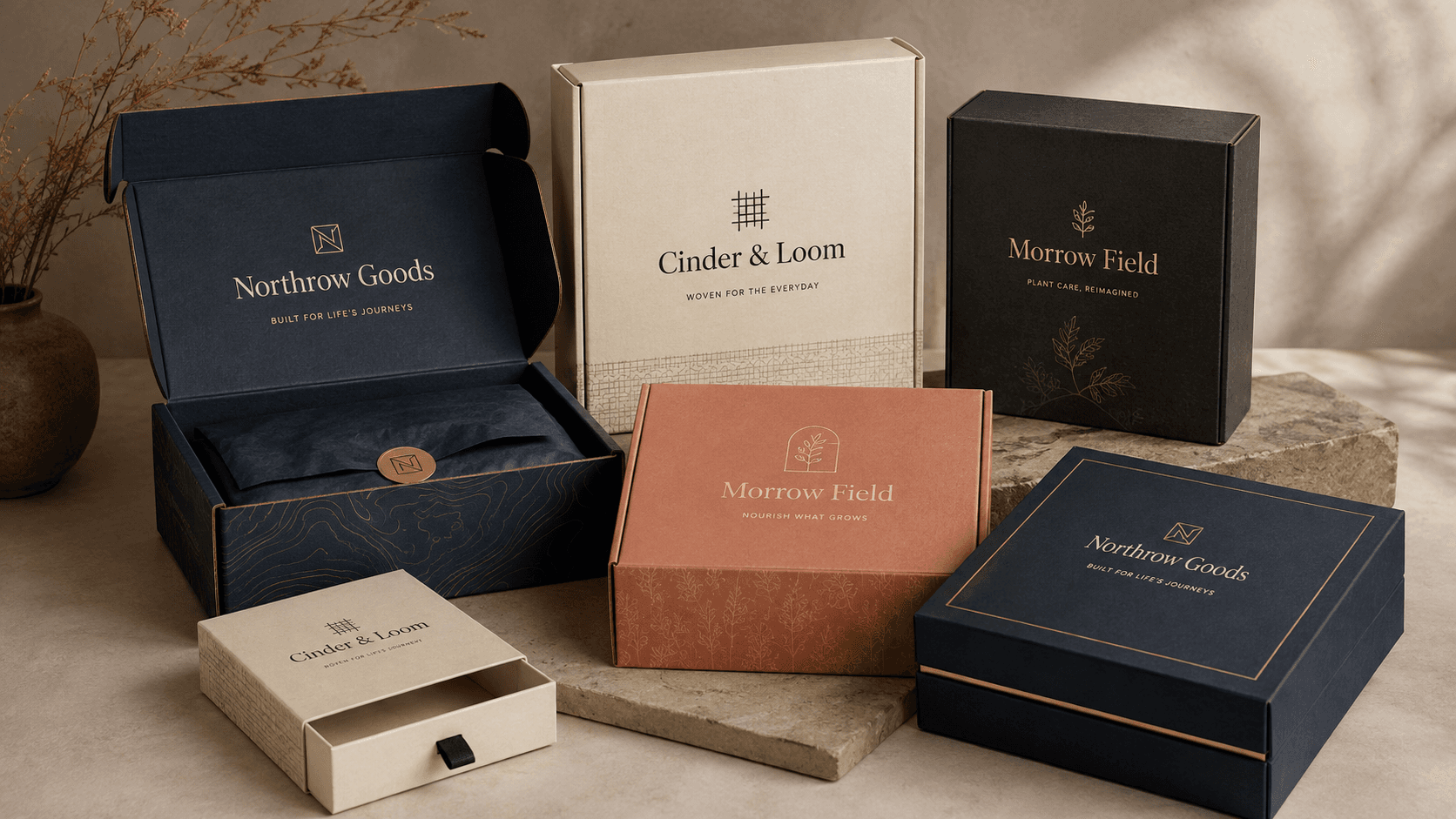
This is one of the most common mistakes in custom packaging. Many people send a 3D mockup and think it is enough for production. A mockup can show the design direction, colors and branding style, but it does not always show the technical structure needed for die cutting, folding or printing. That matters especially for folding cartons, where panel order, tuck direction and crease placement affect how the final carton closes.
A production team needs the dieline because it tells them where the box should be cut, where it should fold and how each panel connects.
| Item | What It Shows | Best Used For |
|---|---|---|
| Dieline | Flat technical layout with cut, crease, bleed, safe area, panels and tabs | Printing, cutting, folding and production setup |
| Mockup | 3D visual preview of the assembled box | Design presentation, approvals and marketing previews |
| Template | A starting layout for a box structure | Early planning when dimensions and structure are correct |
| Production-ready dieline | Checked technical file for real manufacturing use | Final artwork setup and box production |
A mockup helps people see the box. A dieline helps people make the box.

The Main Parts of a Packaging Dieline
A packaging dieline can look technical at first, but the main parts are easy to understand when you know what each line does.
The most important parts are cut lines, crease lines, bleed and safe areas.
| Dieline Element | Simple Meaning | Why It Matters |
|---|---|---|
| Cut line | The final stamped shape of the box | Shows where the paperboard or corrugated board will be cut |
| Crease line | The scored fold line | Shows where the board bends to form the box structure |
| Bleed area | Extra background artwork beyond the cut line | Prevents raw cardboard edges or white gaps if cutting shifts slightly |
| Safe area | Inner zone for important text and logos | Keeps key artwork away from cuts, folds and trapped edges |
| Panel area | Each visible or hidden face of the box | Helps place artwork on the correct side after assembly |
| Lock or tab area | Parts that tuck, lock or hold the box together | Helps the structure close cleanly and stay secure |
Bleed is the extra background artwork that extends past the cut line. This matters because die cutting can shift slightly during production. If your background color or pattern stops exactly at the cut line, a tiny movement can leave an unprinted edge.
The crease line marks where the cardboard will be scored and folded. It does not mean the box will be cut there. It means the board bends there.
The safe area is the space inside each panel where important artwork should stay. Logos, product names, barcodes, ingredients, claims and instructions should not sit too close to a cut line or fold line. If they do, they may be sliced off, bent awkwardly or hidden inside the assembled box.
Together, these guidelines help your flat printed sheet become a clean assembled box with aligned artwork and no unwanted gaps.
Do Not Rely on Line Color Alone
Cut, crease, glue, bleed, perforation and other technical marks can be named or colored differently by software and suppliers. Use the legend, layer names and production instructions in the actual file rather than assuming one color always means the same operation. Keep structural marks identifiable and separate from printable artwork.
Why Panel Order Matters
Panel order is one of the biggest reasons random dieline templates cause trouble.
A dieline is not just a rectangle with flaps. Every panel has a job. One panel may become the front face. Another may become the lid. Another may fold inside the box and disappear from view. If artwork is placed on the wrong panel, the assembled box can look completely different from what the designer expected.
This is especially important for custom mailer boxes because the outside and inside panels behave differently after folding.
For example:
If you design artwork without understanding the panel order, your logo may land on the bottom instead of the lid. A message meant for the inside may appear outside. A background pattern may break across folds. A QR code or product label may sit too close to a lock or tab.
A good custom box dieline helps prevent this because it shows how the flat structure becomes the final package.
Mailer Box Dieline Example
A mailer box is a useful example because its dieline clearly shows how technical structure and brand presentation work together.
When assembled, a mailer box may look like a simple hinged box. In the flat dieline, however, it includes several important areas:

A good mailer box dieline should help you answer two important questions before printing:
Which panels will be visible after assembly? This matters for logo placement, inside printing, unboxing messages and artwork flow.
Where do the locks and tabs go? This matters because locks, tabs and wings control how the box closes. If they are not organized correctly, the box can feel awkward, loose or hard to assemble.
This is also why a mailer box dieline should be checked before final artwork approval. The box may look right as a mockup, but the flat layout must still fold correctly in real life. If you are still deciding on the structure, compare mailer boxes, shipping boxes and folding cartons before building artwork around one dieline.
Why Random Dieline Templates Can Cause Problems
Free dieline templates are not automatically bad. They can be useful for learning, rough planning and early design discussions.
The problem starts when a random template is treated like a production-ready dieline without checking the real dimensions and structure.
Board Thickness Can Change the Dieline
Matching the same length, width and height is not enough if the material changes. A different board type or thickness can require adjustments around creases, panel clearances, tuck areas and locking geometry. Treat the dieline, dimensions and material as one production specification rather than three independent choices.
Common problems include:
For made-to-order box structures, the dieline must match the actual structure, dimensions and material direction. A mailer box template made for one size may not work correctly for another size. A small change in length, width or height can affect panel relationships, locking tabs, wing positions and closure behavior.
A random template can be fine when the size and structure are correct. But for real production, it should be checked before artwork is finalized.
Random Template vs Custom-Size Dieline
Random Template
- May not match your exact box dimensions
- Panel order may be confusing
- Locks and tabs may not fit correctly
- Good for basic learning
- Risky if used without checking
Custom-Size Dieline
- Built around your required length, width and height
- Panels are arranged for the chosen structure
- Lock placement is reviewed with the structure
- Better for artwork setup and quoting
- Safer when reviewed before production
What Makes a Dieline Production-Ready?
A production-ready dieline is a dieline that has been checked for real manufacturing use.
It should not only look neat on screen. It should be reviewed for structure, panel order and lock placement before it moves into final artwork or printing.
A production-ready dieline should confirm:
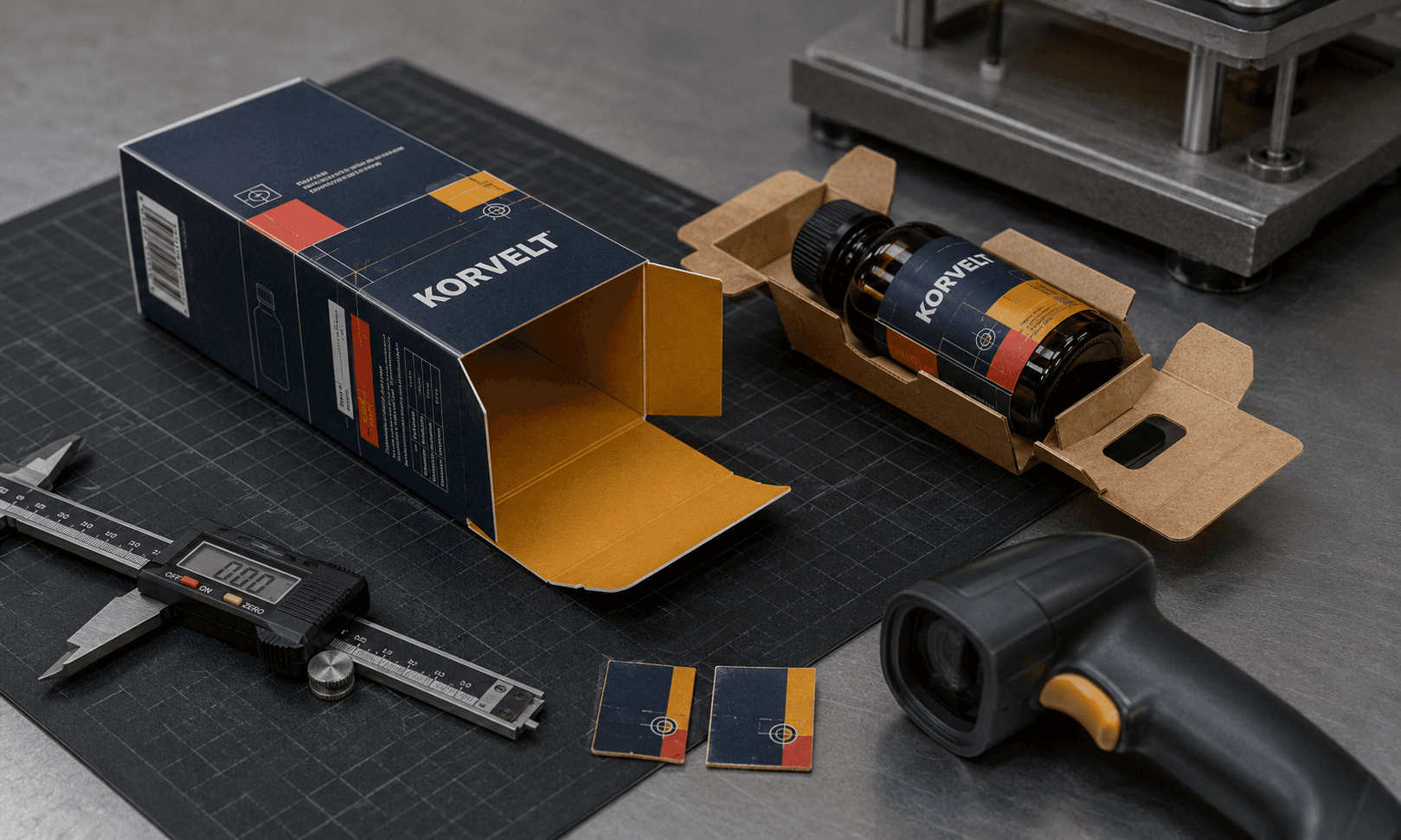
In Custom Packly’s workflow, dieline checks and digital proofing review layout, text, color, bleed, fold lines, safe areas and panel placement before production. That does not turn a screen preview into structural proof; it is the point where the approved structure and the artwork are checked together.
For example, if a mailer box lock tab is placed in the wrong area, the box may not close cleanly. If the lid panel is misunderstood, the main logo may appear upside down after assembly. If the safe area is ignored, text may land too close to a fold.
A production-ready dieline reduces those risks before printing begins.
How to Create a Box Dieline
The safest way to create a box dieline is to start with the actual box style and the correct dimensions.
A basic process looks like this:
For supported box structures, the Custom Packly dieline generator can preview and download a custom-size starting layout from your dimensions. Treat that file as the starting point for artwork and quoting until the structure, material and production details have been reviewed for the actual job.
Packaging Artwork Setup Tips Before You Use a Dieline
A good dieline still needs careful artwork setup. The dieline gives you the structure, but the artwork must respect that structure.
Before sending artwork, check these points:
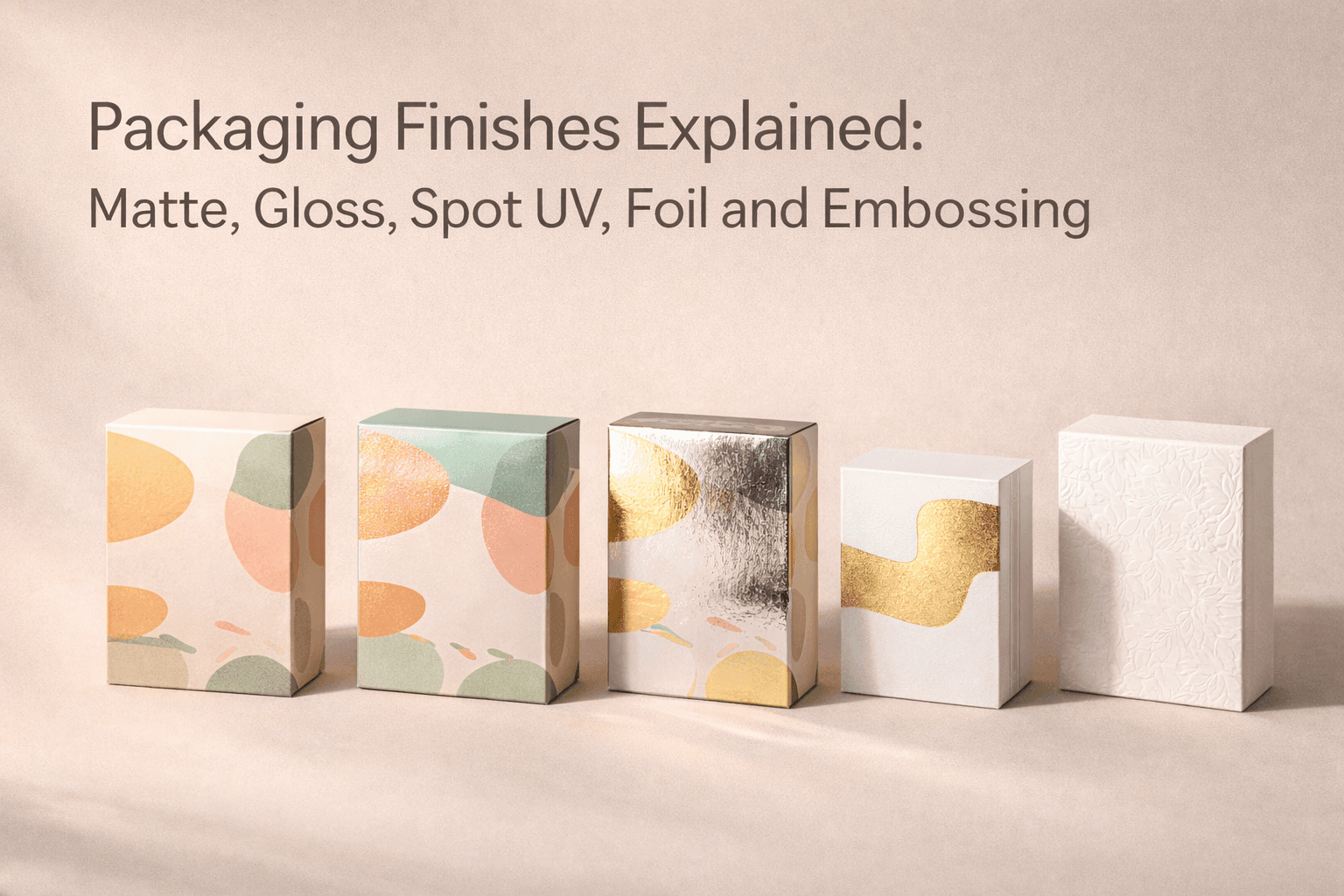
If your project includes special printing, materials and finishes, check those choices before finalizing the dieline so the artwork, board and finish work together. This is also a good time to decide whether CMYK or Pantone printing makes more sense for the artwork before the file moves into approval.
This step is especially important for mailer boxes because brands often print both outside and inside. The inside lid may carry a message, the base may hold a product and the front tuck may include a small brand detail. All of this depends on correct panel understanding.
Should You Use a Free Dieline Template?
A free dieline template is useful when it matches your real box size and structure.
It is risky when you download it randomly and start designing without checking the dimensions, panels, locks or tabs.
The better approach is simple:
Use a free template for learning. Use a custom-size dieline for real packaging planning. Use a checked production-ready dieline before printing.
This keeps the process practical. You do not need to avoid templates completely, but you should not trust a random template just because it looks like a box.
For packaging buyers, project managers and designers, the goal is not only to get a file. The goal is to get a dieline that matches the box you actually want to produce.
Who Creates, Checks and Uses a Packaging Dieline?
A dieline is a shared technical file, but each person uses it for a different decision. The structural geometry should come from the package being manufactured, not from artwork guessed around a 3D mockup.
The main responsibilities are:
The safest handoff is version-specific. If the box size, material or structure changes after artwork begins, confirm whether the dieline also needs to change before reusing the old file.
What to Verify Before You Release the Dieline
Before you approve a custom box dieline, check the following:
If you cannot answer these questions, pause before printing. A small dieline issue can become a real packaging issue once the box is cut and folded.

Build the Artwork on the Dieline, Not the Other Way Around
By the time artwork starts, the structure, dimensions and material direction should be clear enough that the dieline is stable. Reversing that sequence creates avoidable rework because panel changes can move logos, copy, barcodes and inside or outside graphics.
Use the dieline as the handoff between the physical package and the artwork. It should tell the designer what each panel does and give the production team a structure they can review against the final specification.
For supported box styles, use the packaging dieline generator to create and download a custom-size starting layout. If the project uses an unusual closure, tight product fit, inserts or a material change, have the dieline reviewed before production.